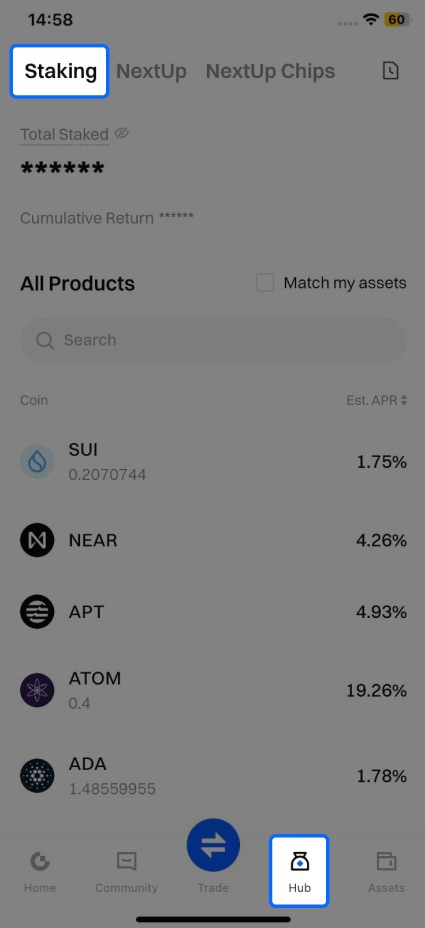
1.Open the Gate US mobile app, log into your account, click on the "Hub" button at the bottom, then select "Staking" to enter the page.
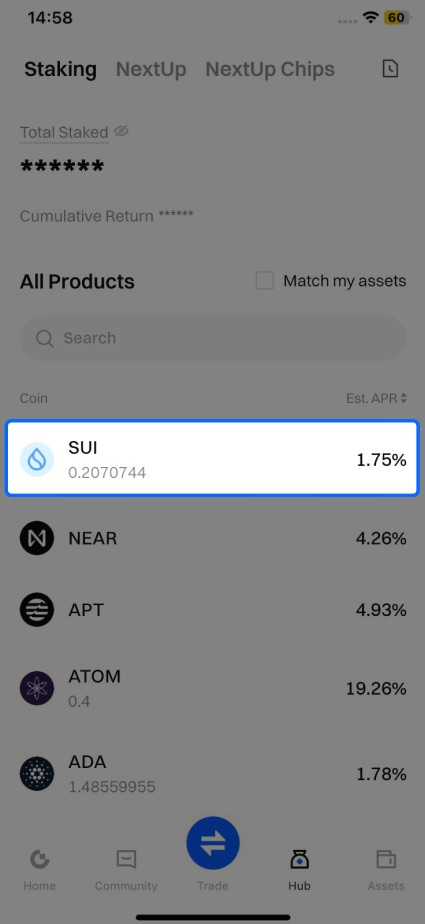
2.In Staking, find the coin you wish to stake (for example, SUI), click on the product, and enter the SUI staking page.
3.On the staking page, you can enter the staking amount, read and check the User Agreement, then click "Confirm" to complete the staking process. On the success pop-up page, click "Continue Staking" to stake again.
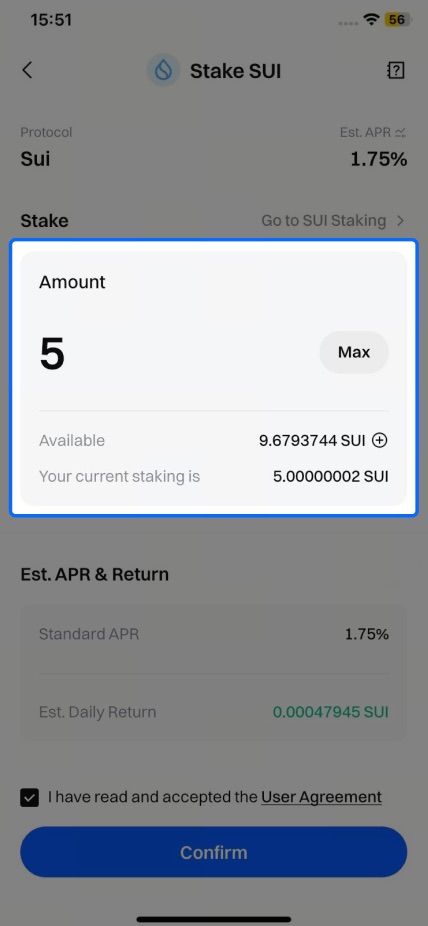
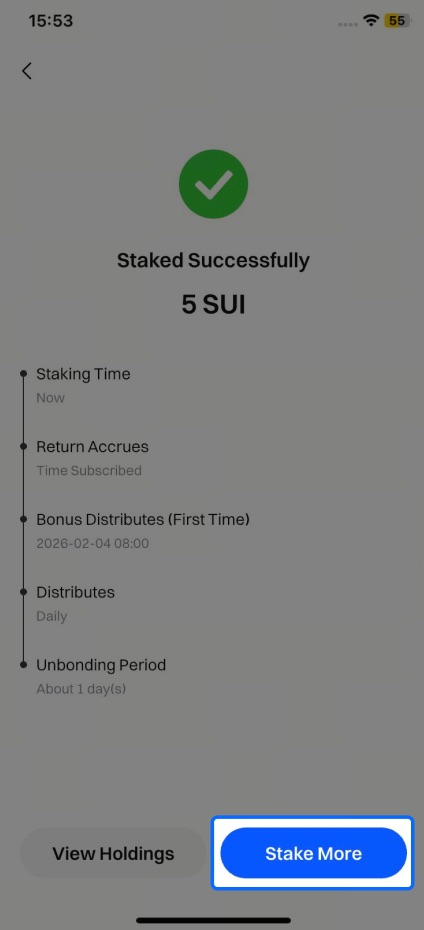
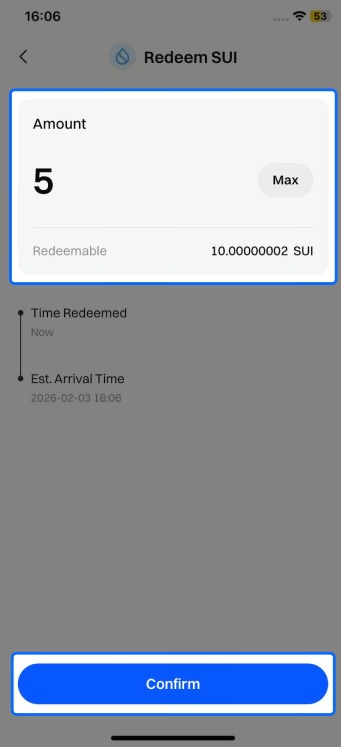
4.Redeem Staked Assets: Click on the "Assets" button and select Commit — Staking. Select the coin you wish to redeem, enter the Details page, and click "Redeem." Enter the amount you wish to redeem and click "Confirm."
Please note that the redemption processing time varies for different coins in Staking. During the redemption period, you will not receive staking rewards or additional.
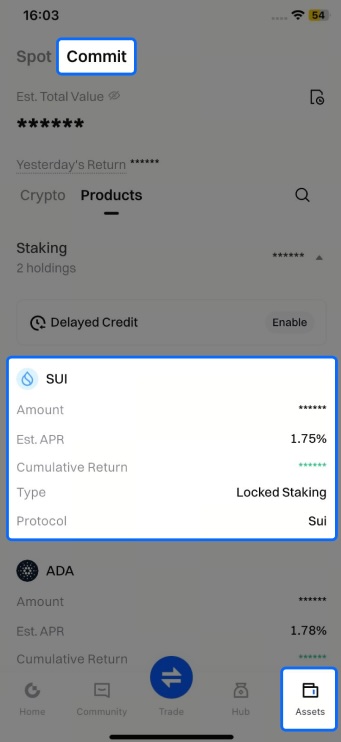
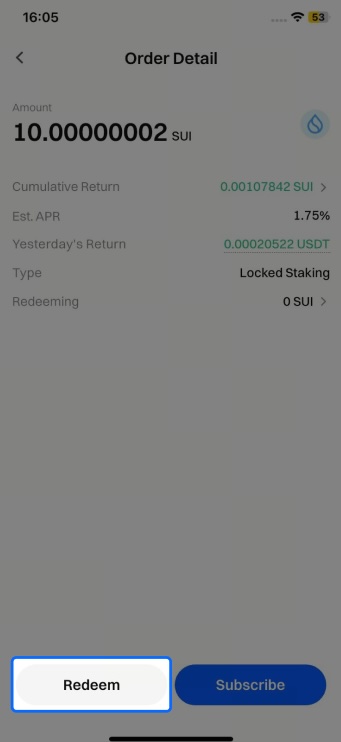
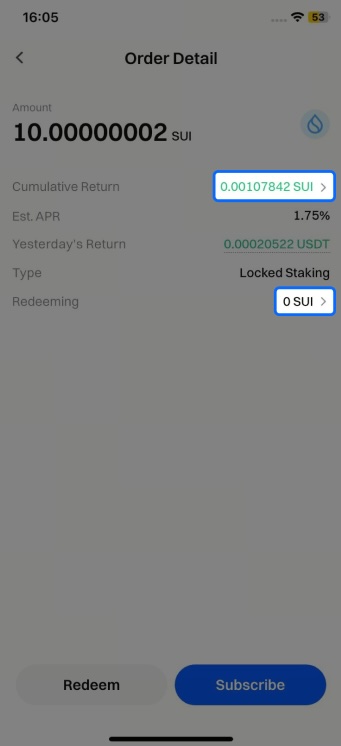
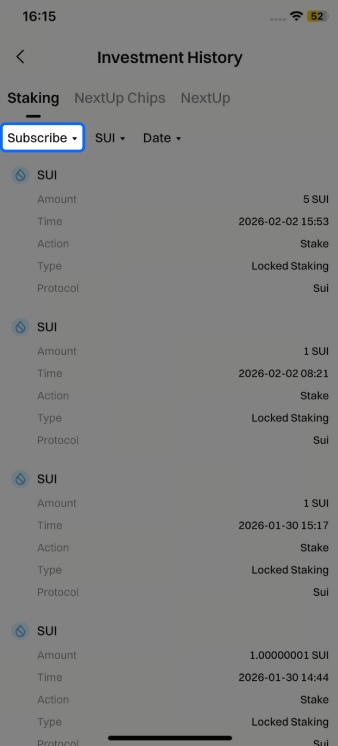
5.Holdings Overview: Click on "Assets" at the bottom right of the app, then go to "Commit", select product to enter the holdings page. Select the staking coin you want to view. On the holdings details page, for example, SUI. Click ">" to view records of staking,redemptions, interest and more.